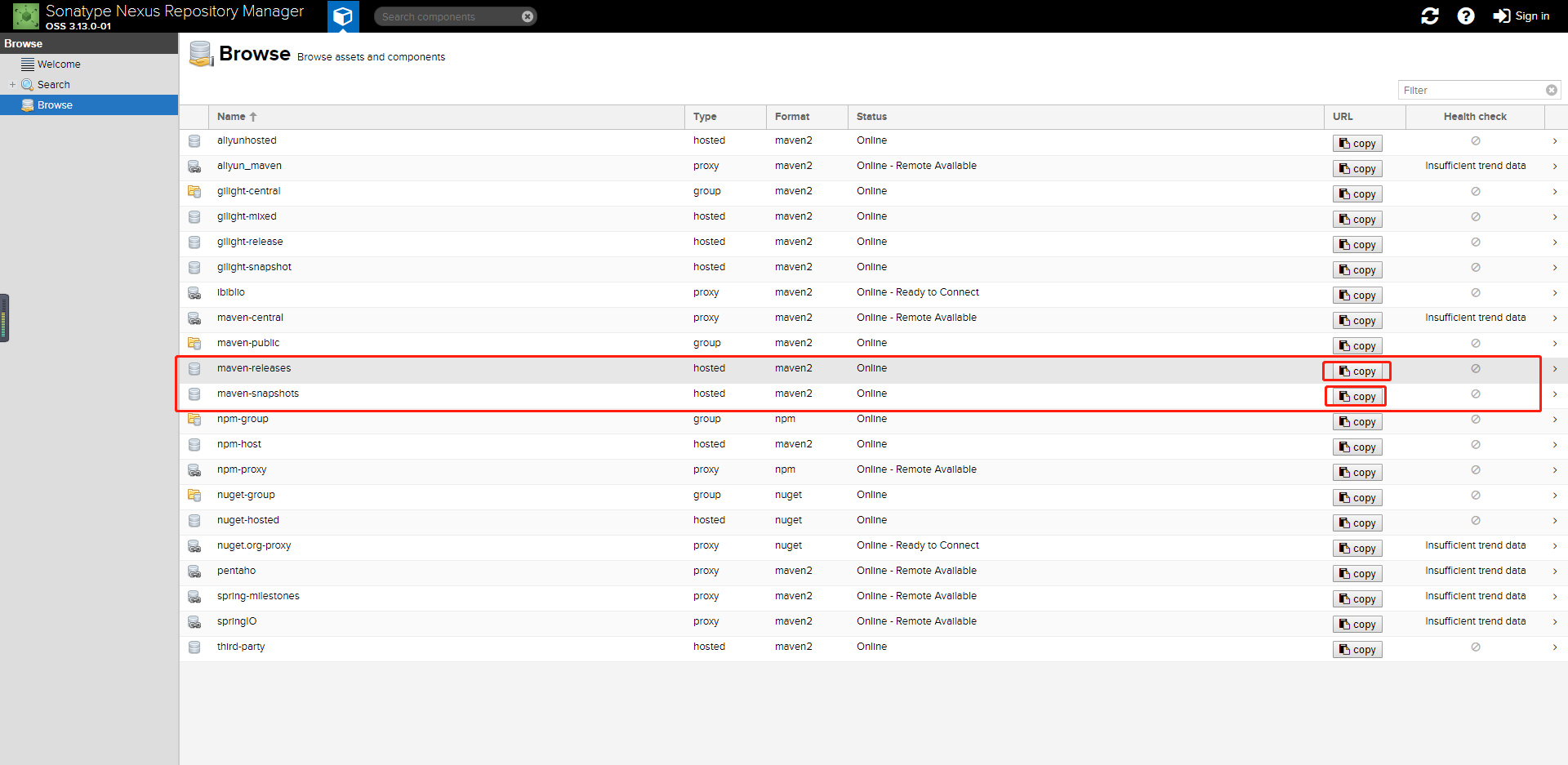
maven项目打包发布到私有仓库
主要有以下三个步骤:
一、配置setting.xml
1
  <servers>
      <server>
2         <id>nexus-release</id>
           <username>admin</username>
              <password>admin123</password>
          </server>
          <server>
3         <id>nexus-snapshots</id>
           <username>admin</username>
              <password>admin</password>
          </server>
      </servers>
4  注意:要在nexus中打开相应的snapshots和releases仓库中的允许发布的开关
5
二.在发布的项目中配置pom.xml
1
      <distributionManagement>
2          <repository>
3               <id>nexus-release</id>
4              <url>http://192.168.30.70:8081/repository/maven-releases/</url>
5          </repository>
6          <snapshotRepository>
7               <id>nexus-snapshots</id>
8              <url>http://192.168.30.70:8081/repository/maven-snapshots/</url>
9          </snapshotRepository>
10      </distributionManagement>
11   <!--上传source.jar 非必须 -->
12      <build>
13          <plugins>
14              <plugin>
15                  <groupId>org.apache.maven.plugins</groupId>
16                  <artifactId>maven-source-plugin</artifactId>
17                  <executions>
18                      <execution>
19                          <id>attach-sources</id>
20                          <goals>
21                              <goal>jar</goal>
22                          </goals>
23                      </execution>
24                  </executions>
25              </plugin>
26          </plugins>
27      </build>
28
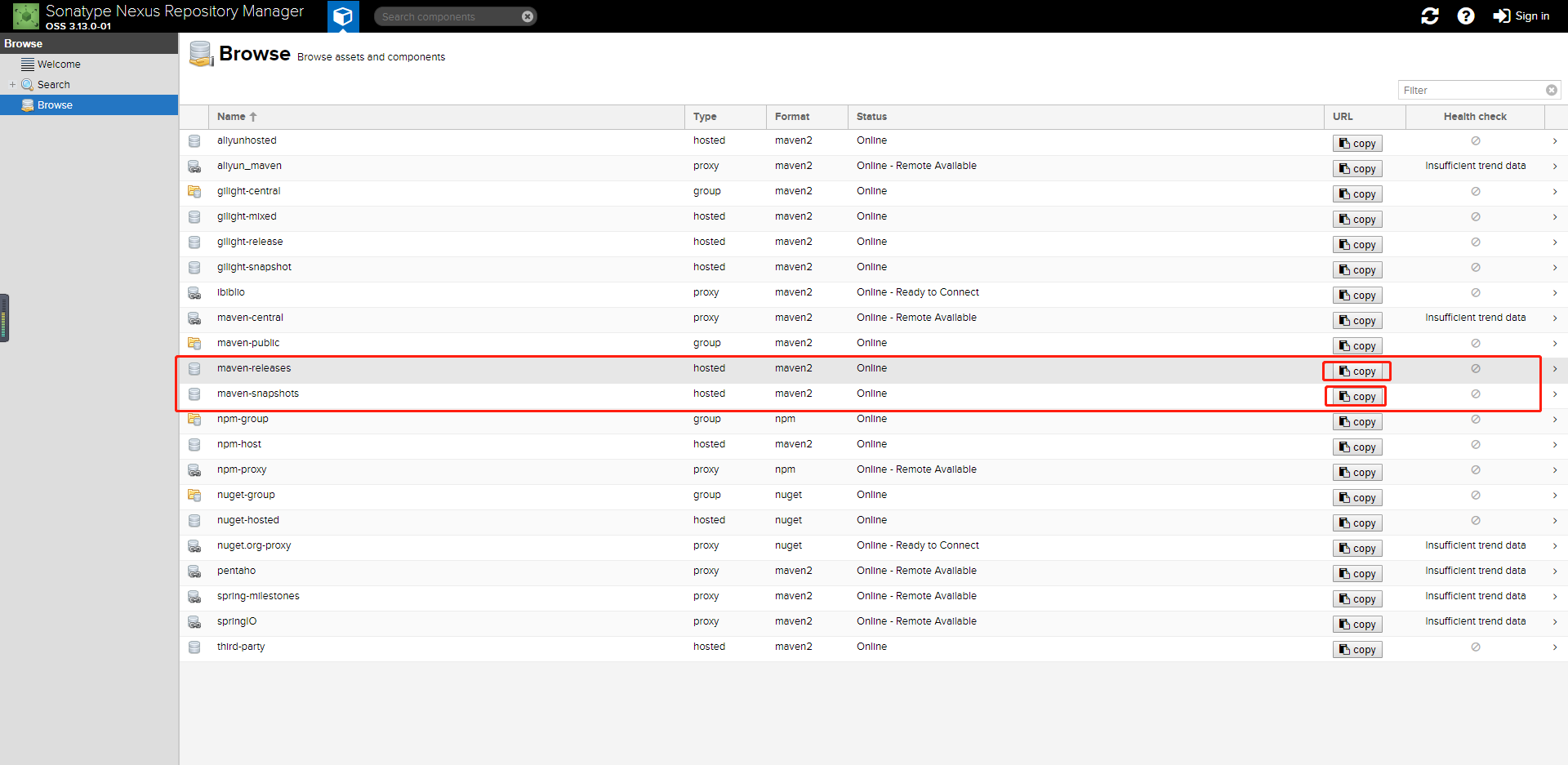
*注意此处的地址需要在nexus上copy ,且彩色部分要与第一步相同颜色一致
三、执行deploy